News Cloudflare
Cloudflare Zero Trust device posture checks expand support for macOS and Linux endpoints
Cloudflare has extended device posture verification through the Cloudflare One Client to macOS and Linux, allowing organizations to enforce checks such as disk encryption and OS version before granting network access.
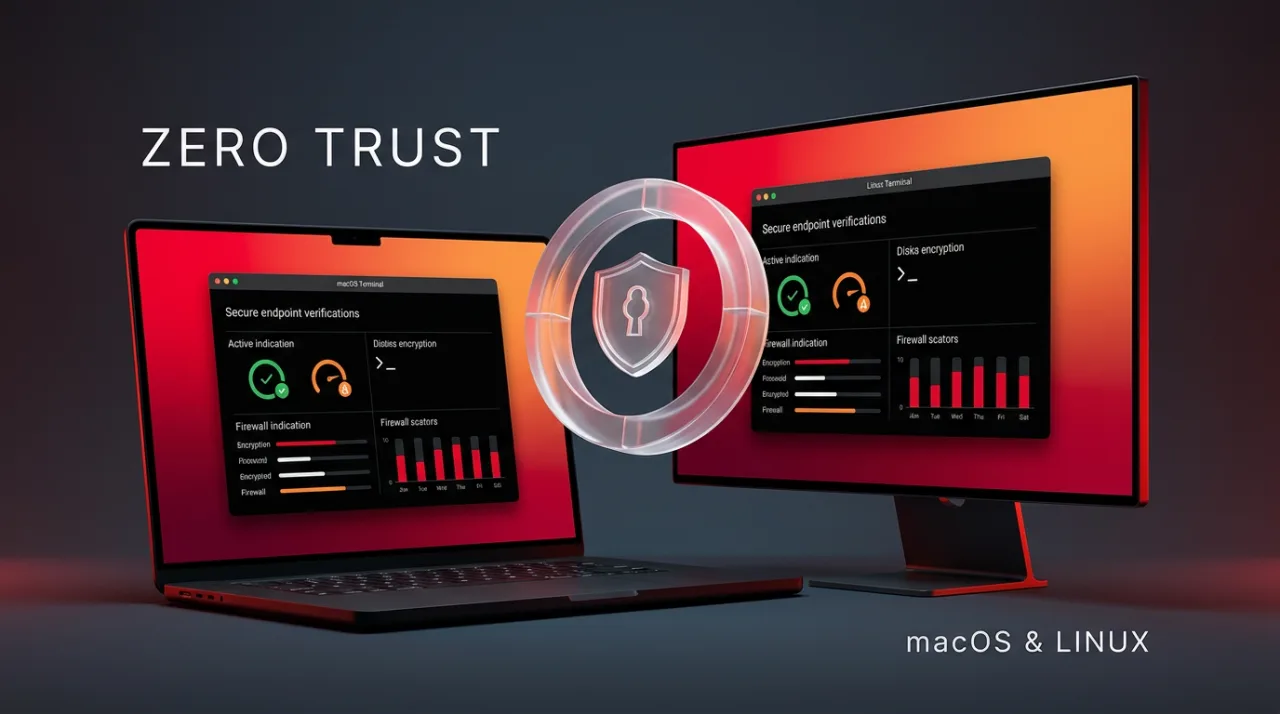
Cloudflare Zero Trust added device posture checks for macOS and Linux through the Cloudflare One Client on November 27, 2026. The update lets administrators apply posture requirements in Access and Gateway policies to confirm that managed devices meet security standards before they connect to protected resources.
Device posture checks available on macOS and Linux
Administrators configure posture checks in the Zero Trust dashboard under Reusable components. Supported checks on both platforms include application presence, client certificates, device serial numbers, disk encryption status, file existence, operating system or kernel version, and required WARP connection. Linux reports kernel version through the uname command, while macOS uses standard OS version reporting.
Hardware-backed device registration works on both operating systems when TPM or Secure Enclave is present. Posture-only mode, which collects device signals without routing all traffic through a tunnel, is also available for Access applications on these platforms. Results appear in the My Team section under Devices, with a default polling interval of five minutes.
Third-party endpoint detection and response integrations such as Carbon Black, SentinelOne, and Tanium remain available on macOS and Linux. Firewall checks function on macOS but are not offered for Linux. Windows-only checks such as antivirus status and domain join are excluded from these releases.
Background and integration with existing policies
Device posture signals supplement identity-based controls inside Cloudflare One. Policies can require healthy devices before allowing access to applications or enforcing network rules, reducing risk from unmanaged or compromised endpoints. The checks draw data directly from the Cloudflare One Client or connected third-party tools.
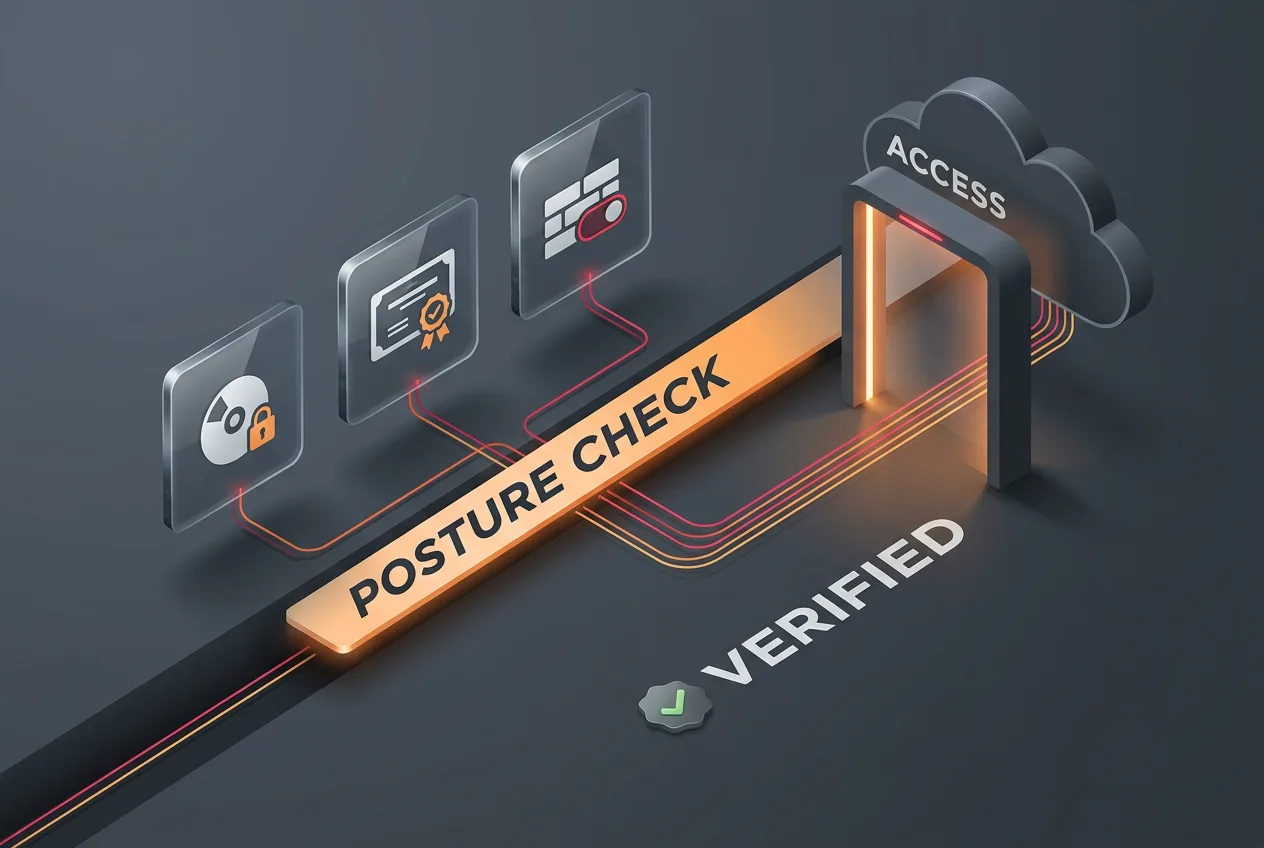
Support for macOS and Linux has grown through successive client releases rather than a single launch event. Recent changelog entries note fixes for serial number detection, client certificate handling, and template variable support in certificate checks. Documentation on developers.cloudflare.com lists the exact checks that function on each operating system and the configuration steps required in the dashboard.
Organizations already using Cloudflare One for Windows can now apply consistent posture rules across all three major desktop platforms. The same dashboard settings control enforcement, and administrators can view per-device compliance status without additional tools.
Next steps for administrators
Teams should review current Access and Gateway policies to determine where posture requirements can be added. New checks are created in the posture section and then referenced in policy rules. Cloudflare continues to release client updates that improve reliability on newer macOS and Linux versions.
Administrators can monitor the Cloudflare One Client changelog for platform-specific improvements. Existing customers can test posture configurations in a non-production environment before rolling them out to production devices.
Frequently asked questions
Which posture checks work on macOS and Linux?
Application check, client certificate, device serial numbers, disk encryption, file check, OS or kernel version, and WARP connection requirement are supported. Select third-party EDR integrations also function on both platforms.
How often does the Cloudflare One Client report posture status?
The default polling frequency is five minutes. Results are visible in the Zero Trust dashboard under My Team > Devices.
Can posture checks be used without full traffic tunneling?
Yes. Posture-only mode collects device information for Access applications without routing all traffic through the client.
Where are posture checks configured?
Checks are created in the Zero Trust dashboard under Reusable components > Posture checks and then referenced inside Access or Gateway policies.
Comments
No comments yet. Be the first!